 NEW
NEW AI VIDEO EFFECT
Free Burning Bridges AI Video Generator – Make Your Own
Create your own Burning Bridges AI video from one photo. Pick the ready-made template, upload your image, and turn yourself into the star of the viral party trend.
One photo Signature party scene Google sign-in
CANVAS TEMPLATE
Template readyCreate your Burning Bridges party scene
Template
Reference Video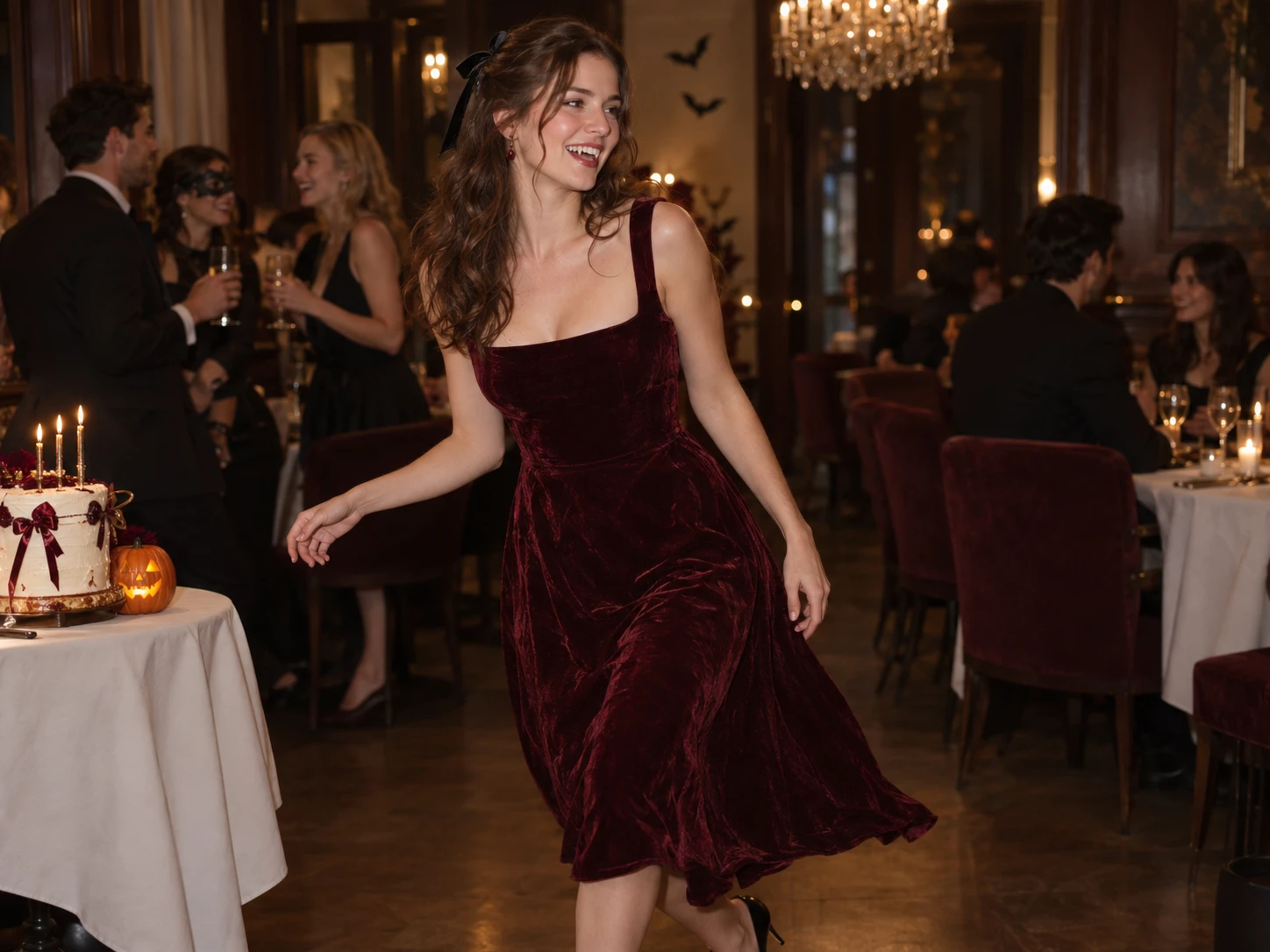
Burning Bridges PartyReady-made motion template
AI Model
Upload Character
Google sign-in and an active paid plan are required. Your selected photo stays in this browser while you prepare the template.
HOT VIDEO EFFECTS
Try effects Trending scenes, ready for your story
Turn your photos into fun dance clips, surprising transformations, and shareable moments with trending AI video effects.
NEWNEW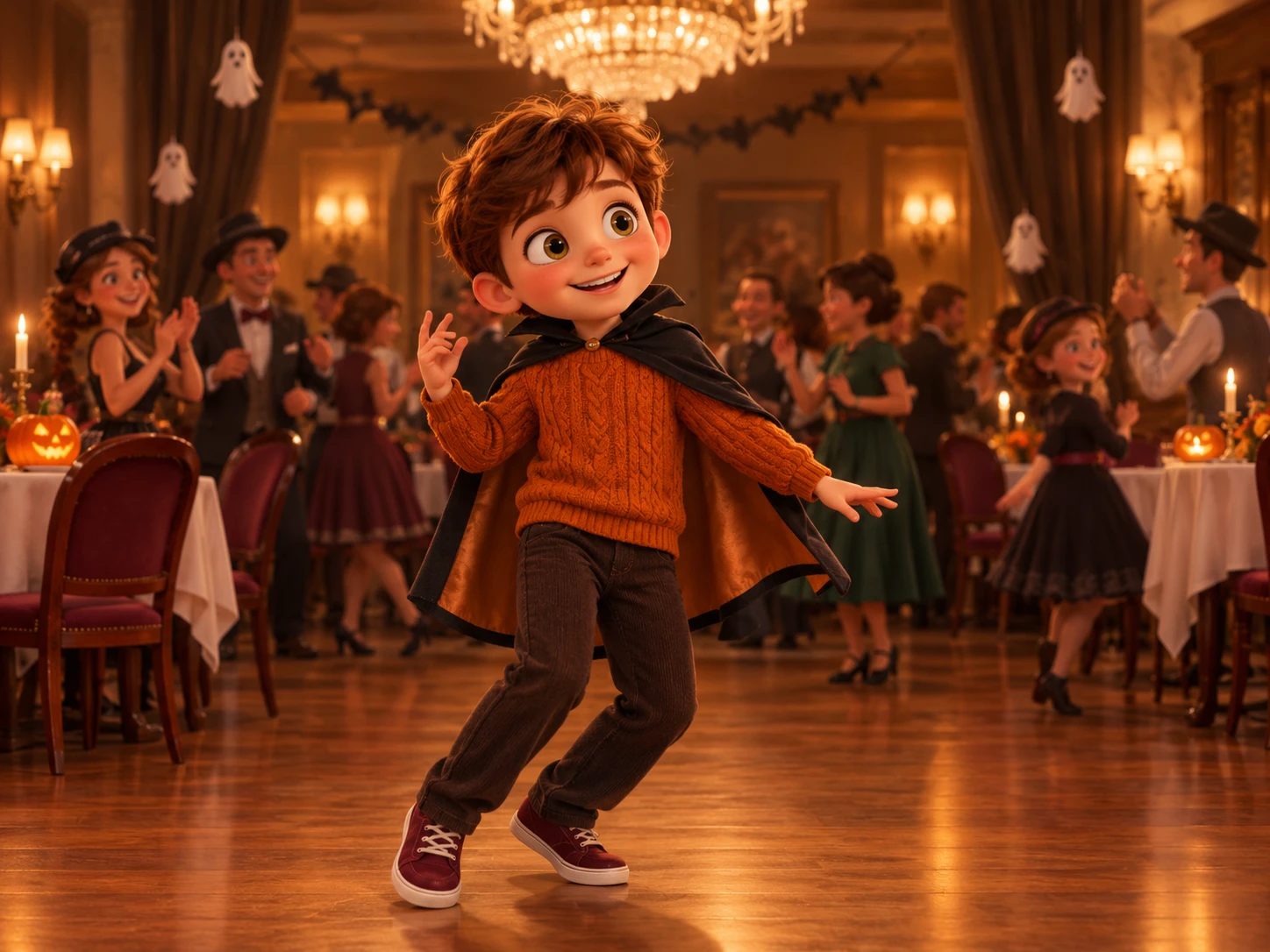
Enzo Fernandez Celebration
Upload your photo to get a one-of-a-kind football stadium celebration.
Try effects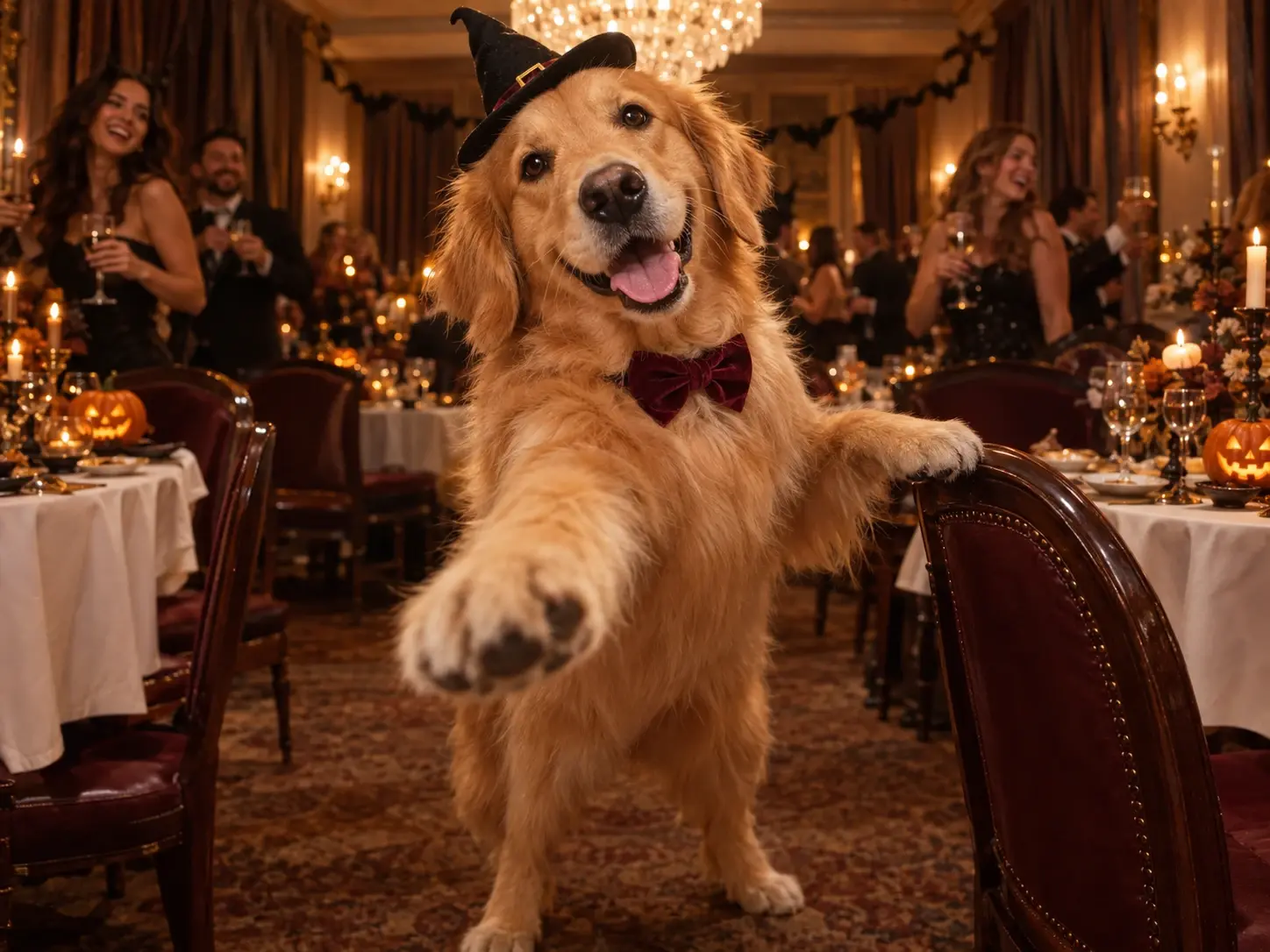
Rumpelstiltskin AI Dance
Bring a character photo into a polished, camera-ready dance scene.
Try effectsHow to make a Drake Burning Bridges AI video
A single photo is all you need to step into the warm, cinematic party scene.
STEP 1
Choose a Burning Bridges AI Video Template
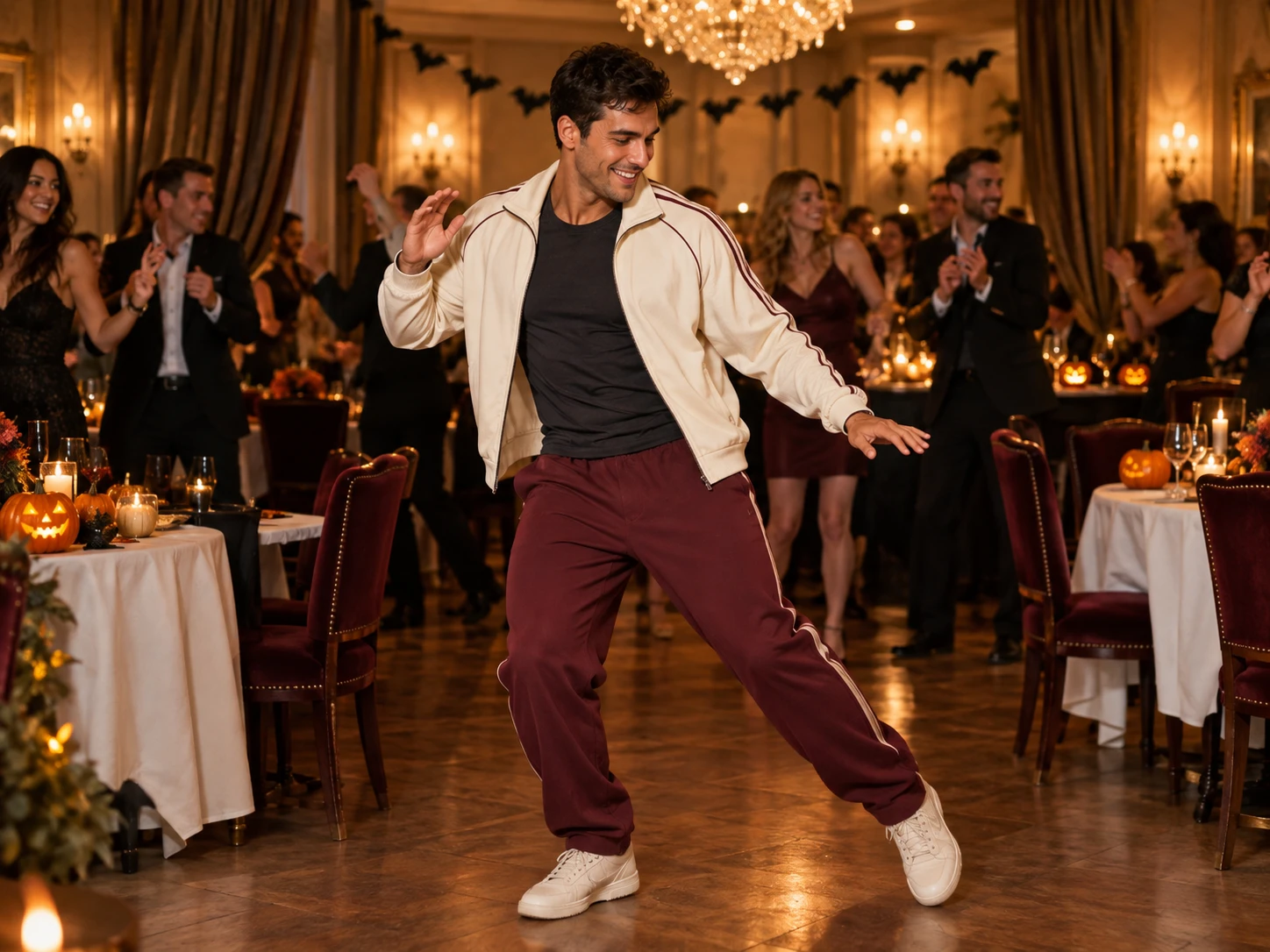
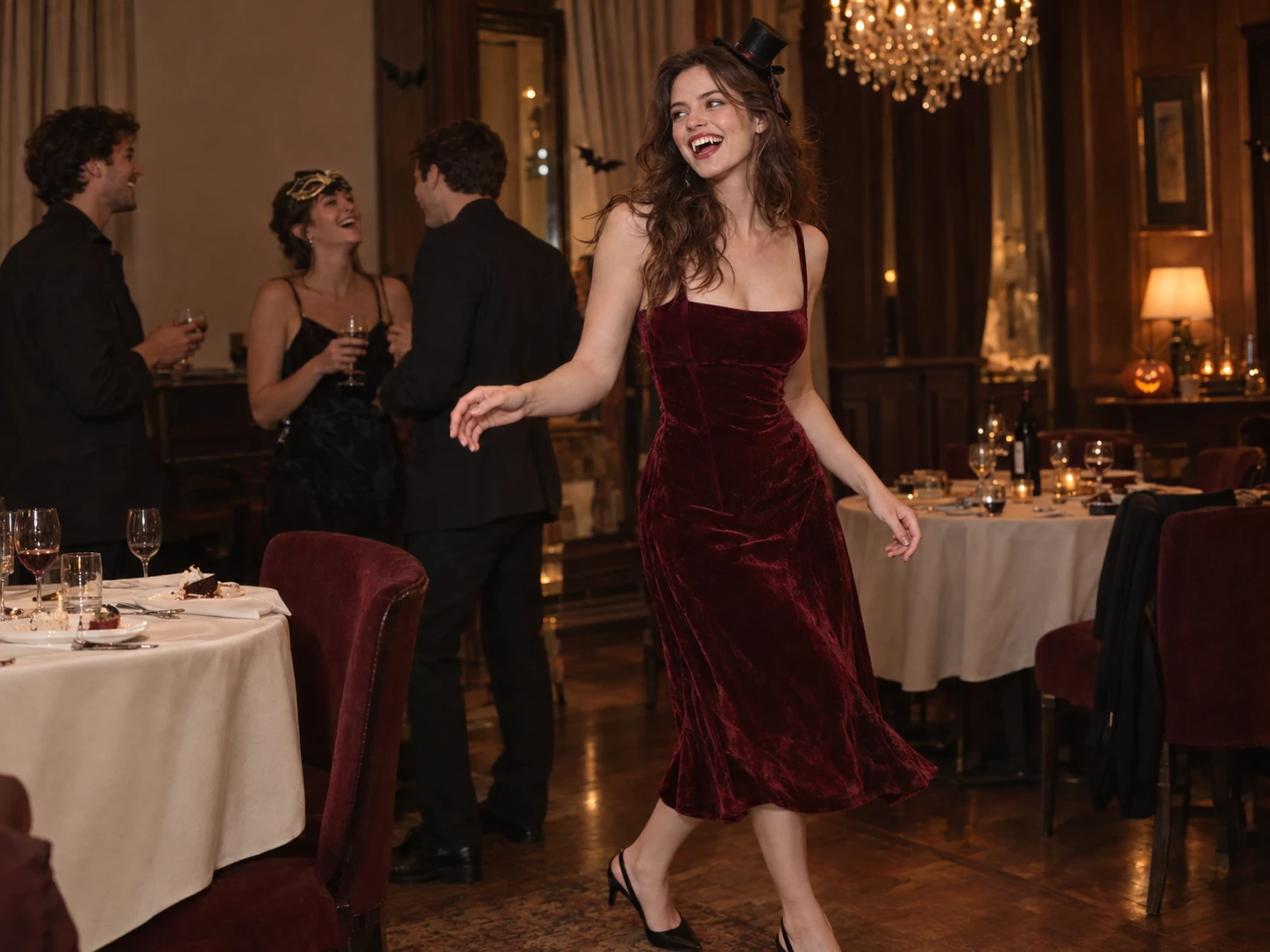
Browse the available Burning Bridges AI video templates and choose the scene that best matches the viral trend. Look for the signature chandelier-lit party, warm golden lighting, lively guests, and iconic party atmosphere. A ready-made template gives you a starting point for recreating the look and feel without having to build the scene from scratch.
Open the templateSTEP 2
Upload a Clear Photo of Your Character
Upload one clear photo of yourself, a friend, or your pet to personalize the video. For the best results, use an image with the subject clearly visible, good lighting, and minimal obstruction around the face. Burning Bridges uses your uploaded photo as the character reference, helping bring your chosen subject into the party scene.
STEP 3
Generate, Preview, and Share Your AI Video
Click Generate and let Burning Bridges turn your photo into a Burning Bridges-inspired AI video. Once generation is complete, preview the result and check whether the character, party atmosphere, and overall motion look right. If you are happy with the result, save your favorite version and share your personalized take on the trend across TikTok, Reels, or other social platforms.
ONE PHOTO · ENDLESS CHARACTERSCREATE YOUR OWN
Who can you put in a Burning Bridges AI generator?
Bring a familiar face, a furry co-star, or an entirely virtual personality into the spotlight.
1. Yourself
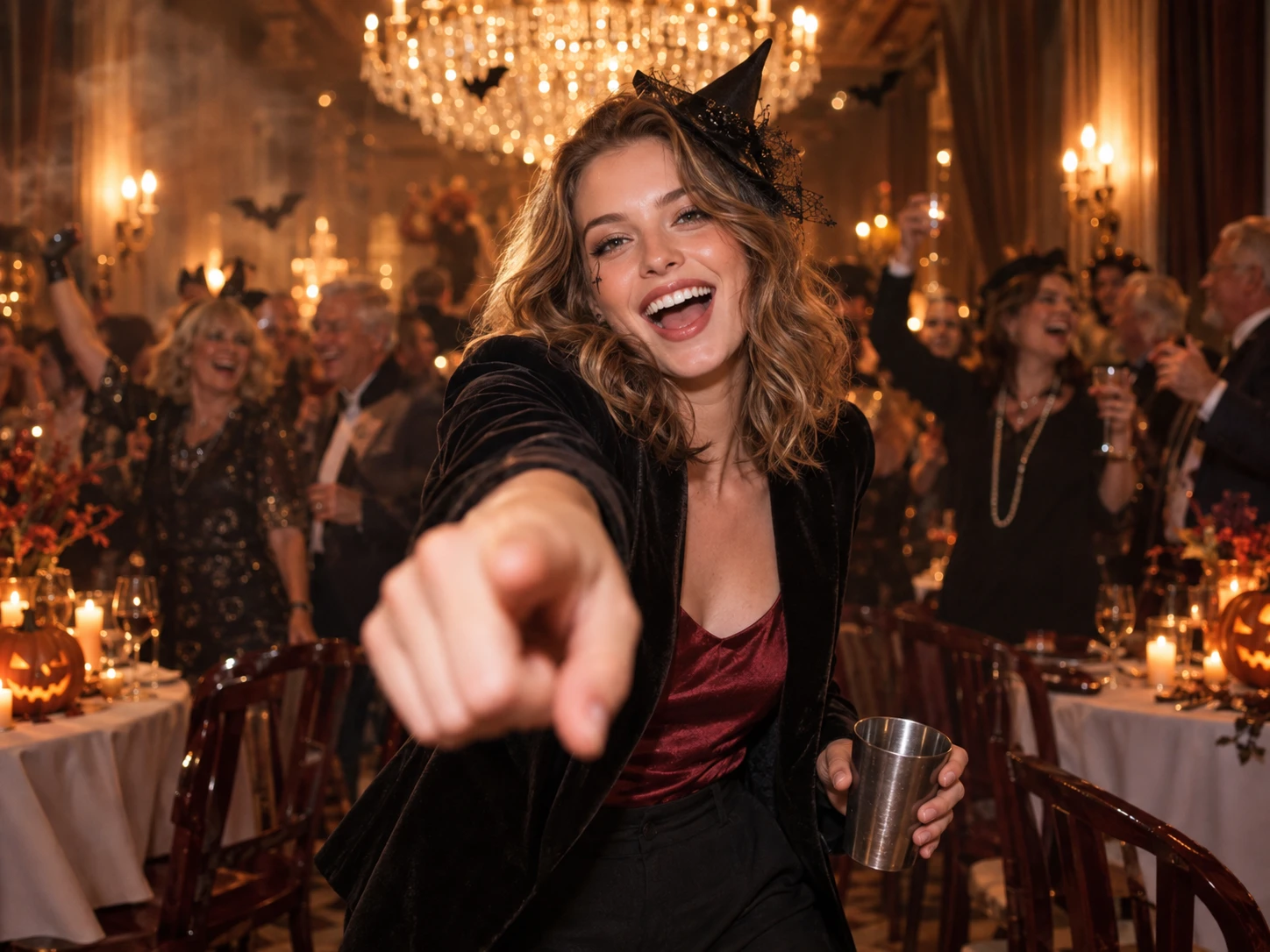
You as the star, pointing at the camera under the chandelier glow. A Burning Bridges AI generator turns one front-facing photo into your own party moment.
2. Your pet
Let your dog or cat take the lead while the crowd cheers around them. Burning Bridges keeps the warm party glow and puts your pet front and center.
3. A virtual character
Hand the spotlight to a cartoon hero, game avatar, or original character. Burning Bridges drops them into the party with the signature moves intact.
FOR YOUR FEED
Bring Burning Bridges AI to your feed and group chats
Drop your Burning Bridges AI clip into the group chat before a night out, casting yourself as the friend already working the room.
GIVE YOUR FRIENDS A FRONT ROW SEAT
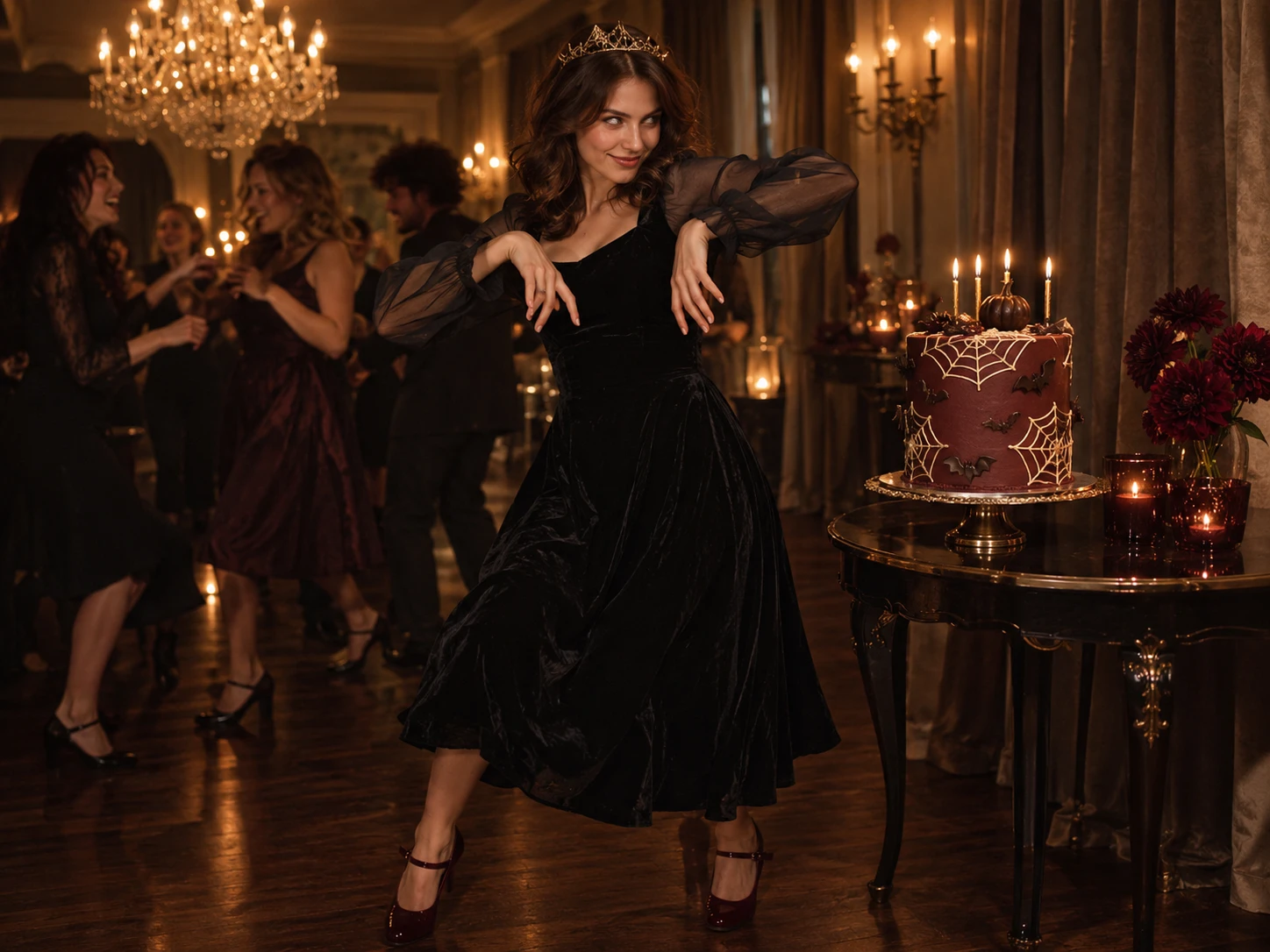
Let everyone roast your dramatic entrance, especially that moment you lean right into the camera.
CREATIVE PROMPTS
Burning Bridges AI creative ideas worth trying
1. The face says “I’m leaving”
The moves say otherwise. Create a character with a deadpan stare or one raised eyebrow, then pair the clip with “Me five minutes after saying goodbye.” That face in the middle of a lively party is the joke.
2. The wrong guest, the right energy
Picture a tired detective still wearing their trench coat, suddenly acting like they own the room. Or a clay monster in a tiny dinner jacket. Give the familiar performance a different personality.
3. Give the holidays an after-party
A vampire celebrating Halloween with the humans. An elf finally off duty on Christmas Eve. Keep one funny costume detail, like a crooked hat or an ugly sweater, and caption it: “Long shift. Needed this.”
Why choose Burning Bridges’ AI video generator?
A recognizable party scene, fluid motion, and one-image simplicity come together in a single template.
01
The Signature Performance, Built In
Burning Bridges brings the familiar party scene and signature gestures into one template, giving your photo the starring role in the performance.
02
One Photo, No Filming
A single photo gives you the starting point for a complete video, with no camera setup, filmed footage, or manual editing required.
03
Smooth Motion, Steady Details
From leaning toward the camera to spreading both arms, the template is designed for fluid movement while preserving recognizable facial features and a coherent party backdrop.
LOVED BY CREATORS WORLDWIDE
Real feedback from the creative community
These quotations and ratings come from the PicLumen reference page and are shown for creative-context comparison, not as reviews of Burning Bridges.
“It’s easy to use, they have different AI models, good prices, and a nice community page.”
Isuru Nilanka“This is my favorite AI image generator.”
chelsienner“Piclumen still remains the best with image references. It makes my work easier.”
Zara“Ease of use, and great models.”
DaveFAQs about Drake Burning Bridges AI videos
What to know before uploading a photo and creating your party scene.
The Burning Bridges AI Video Generator lets you recreate the viral luxury-party video trend with your own photo. Turn yourself, a friend, or your pet into the star of a chandelier-lit party scene with a ready-made AI video template.
YOUR ENTRANCE AWAITS
Make your own Burning Bridges AI video
Upload one photo, sign in with Google, and keep your place in the render queue when you are ready.